Productivity
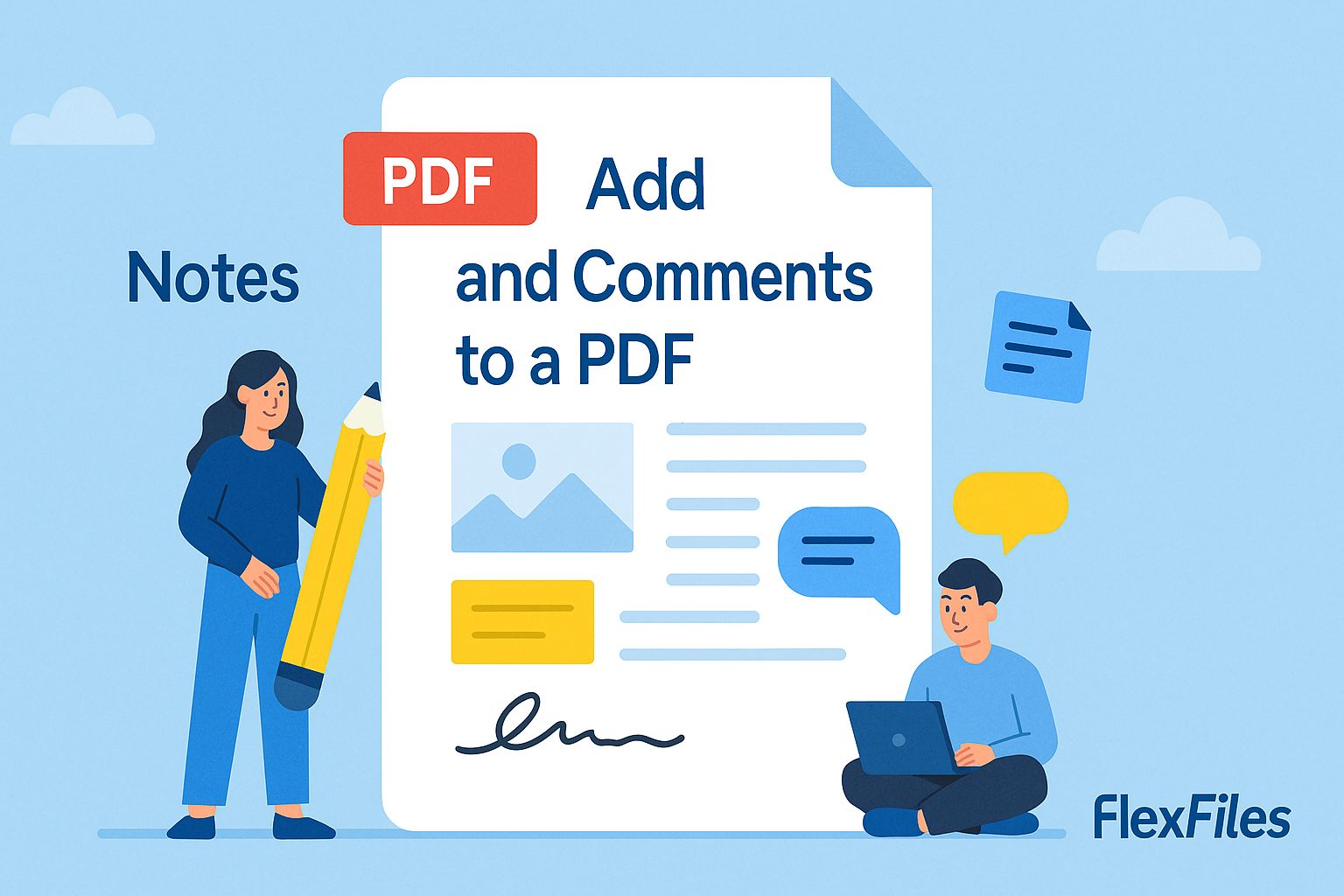
How to Add Notes and Comments to a PDF Free
Try it yourself
Printing a PDF to scribble a comment on it, then scanning it back in, is a workflow that shouldn't exist anymore.
FlexFiles PDF Editor lets you comment directly on the digital file.
Why This Beats Printing
- Digital from the start — no scanning a marked-up page back in.
- Easy to share — send the commented file, not a photo of a printout.
- Multiple reviewers can leave feedback on the same file without conflicting paper copies.
How to Add Comments
- Upload the PDF.
- Use sticky notes for specific comments, or highlights to flag a passage.
- Add as many as the review needs.
- Export the commented file to share back.
Keeping Reviews Efficient
Attach the comment directly to the relevant line rather than writing a general note at the top of the page — the whole point is that the reader shouldn't have to guess what a comment refers to.
Conclusion
A comment attached to the page it's about gets acted on faster than one buried in an email. FlexFiles keeps that connection intact, digitally, for free.
Once your review cycle is complete, you can strip all highlights, comments, and sticky notes in a single step with the FlexFiles Remove Annotations tool — no software or sign-up needed.