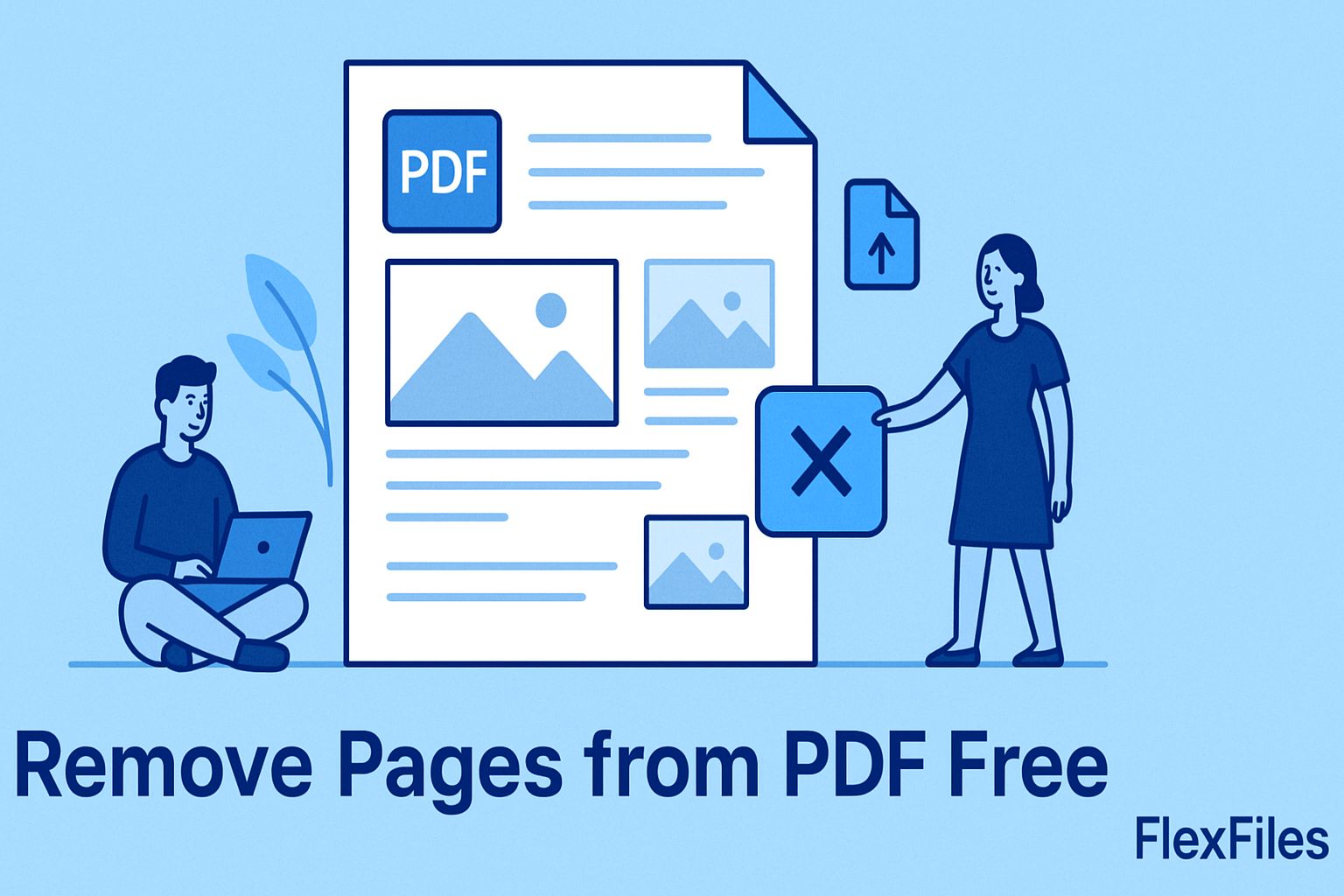
A long report you only need part of. A scan with blank pages mixed in. Deleting pages from a PDF shouldn't require rebuilding the whole document.
FlexFiles PDF Editor removes them directly, right where the file already is — your browser.
Once the file is open, you're already in a full editor — add text, insert images, highlight sections, merge in another PDF, or sign the result before you export. Removing pages doesn't have to be a separate trip through a separate tool.
Processing is temporary, not permanent storage. Shared links can carry a password or an expiry date, and nothing requires an account to use.
Trimming a PDF down to what actually matters is a two-minute job, not a reason to open paid software. FlexFiles removes the pages, reorders what's left, and exports — all in one place.