Productivity
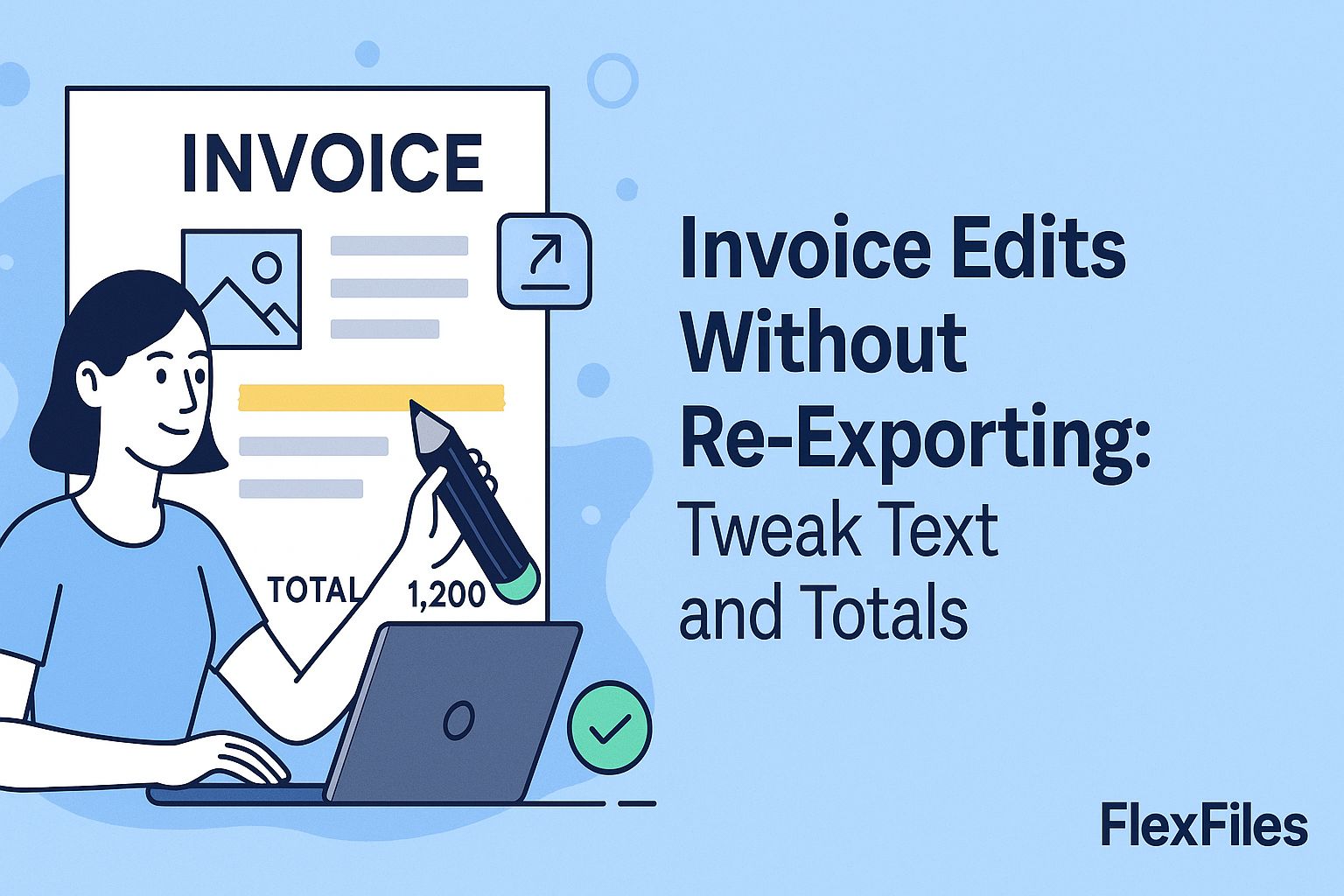
Fixing an Invoice PDF Without Re-Exporting From Your Accounting Tool
Try it yourself
A wrong PO number or an approved late discount shouldn't mean regenerating an invoice from scratch — especially when the original export is the only copy you have.
FlexFiles PDF Editor edits the exported PDF directly, in your browser.
What Usually Needs Fixing
- Invoice details — invoice number, PO reference, issue or due date.
- Line items — a quantity, unit price, or description that was wrong.
- Totals — subtotal, tax, discount, or the grand total.
- Footer notes — payment terms, bank details, or a reference number.
How to Edit an Invoice PDF
- Upload the invoice PDF.
- Zoom in to around 150% so numbers and decimal points are easy to place precisely.
- Select the existing text you need to change and edit it directly, or overlay corrected text.
- Match font size and color to the surrounding text.
- Export the corrected invoice.
Keeping It Clean
Edit only the fields that actually changed — a corrected invoice should still look like the same document the client already recognizes, not a redesigned one. Double-check totals add up before sending it back out.
Conclusion
A small correction shouldn't require regenerating the whole invoice. FlexFiles fixes the field directly, without a round trip through your accounting software.