Productivity
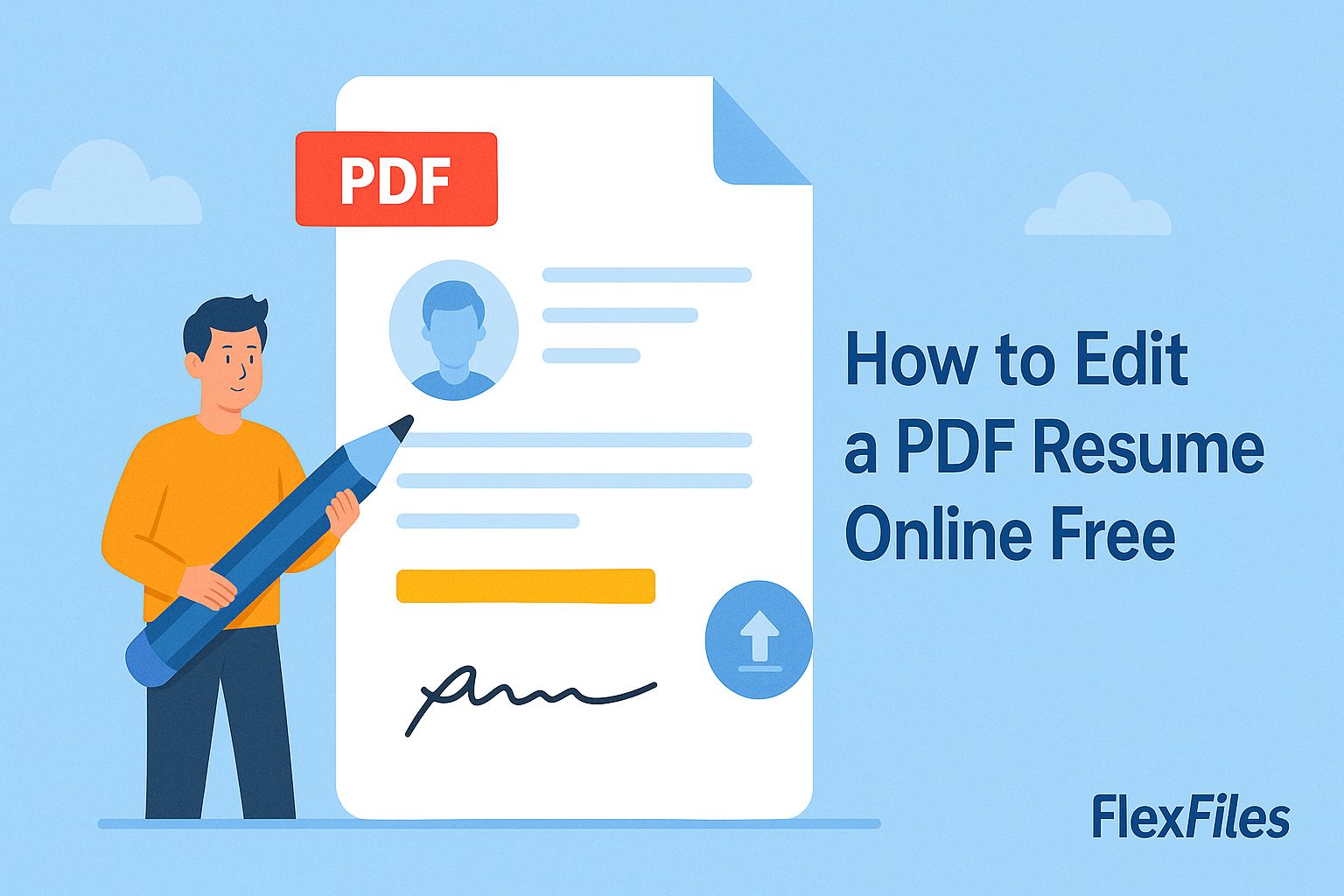
How to Edit a PDF Resume Online Free
Try it yourself
A resume saved as a PDF looks consistent everywhere it's opened — until you need to add a recent job or fix a typo, and rebuilding it from the original Word file feels like more work than it should be.
FlexFiles PDF Editor edits the PDF directly, so the formatting never has to be rebuilt.
What This Is Good For
- Adding a recent role or updating a job title.
- Fixing a typo or an outdated phone number.
- Swapping in a new headshot or logo.
- Reordering sections without redesigning the layout.
How to Edit a Resume PDF
- Upload your resume PDF.
- Click the text you want to change and edit it in place.
- Add or replace an image if your resume includes one.
- Reorder pages if you're adjusting a multi-page CV.
- Export the updated resume.
Keeping the Formatting Consistent
Editing existing text in place — rather than pasting a new text box over it — is what keeps the font and spacing matching the rest of the document. A resume with mismatched fonts is one of the fastest ways to look rushed.
Conclusion
An update to a resume shouldn't mean starting over. FlexFiles makes the small edit, keeps the formatting, and gets it back in your hands in minutes.