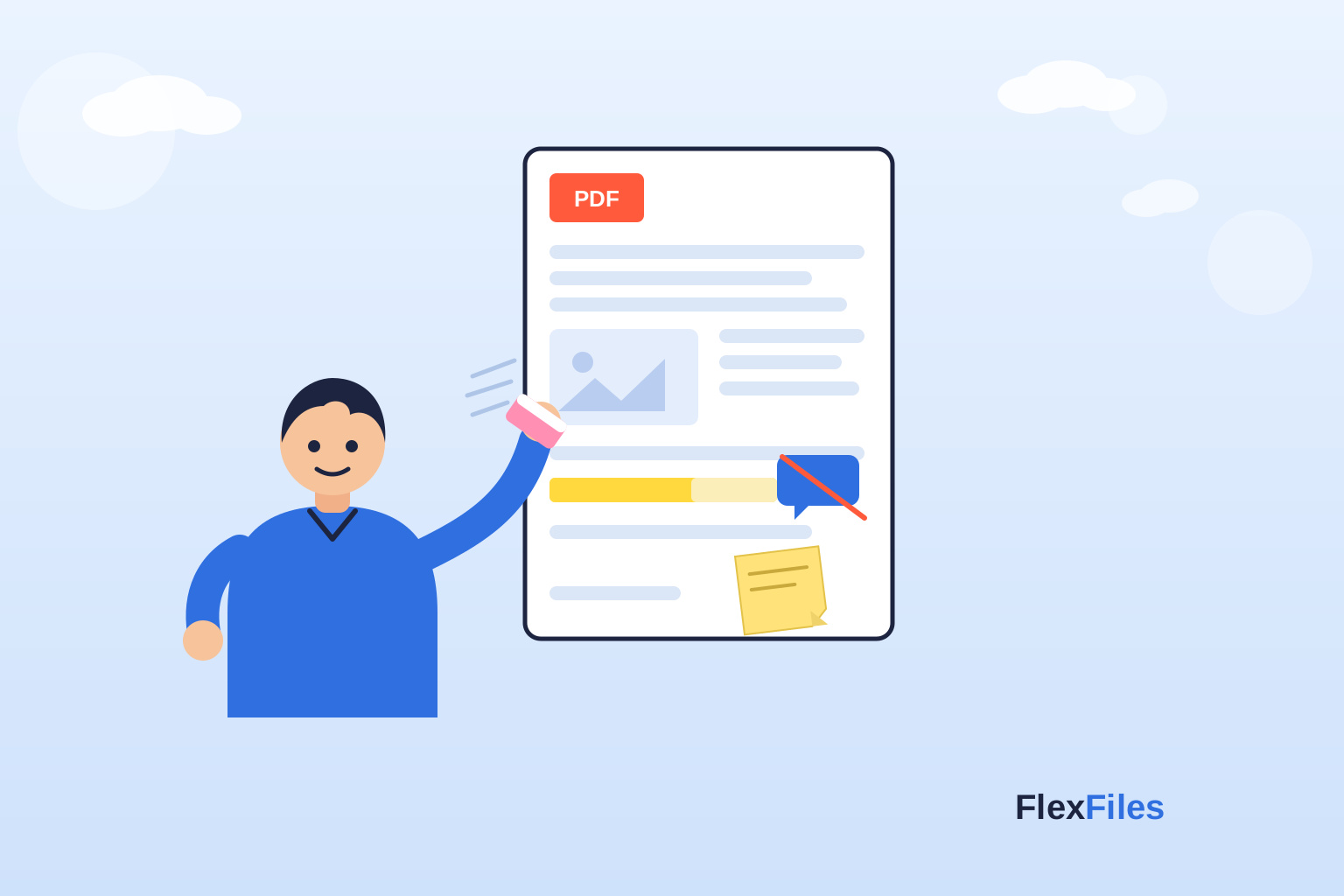
Adobe Acrobat used to be the only serious option for editing a PDF, at a subscription price built for daily professional use. That's no longer the only choice.
FlexFiles PDF Editor covers the core editing tasks for free — this is a plain comparison of what each option actually gets you.
What a Free Editor Covers
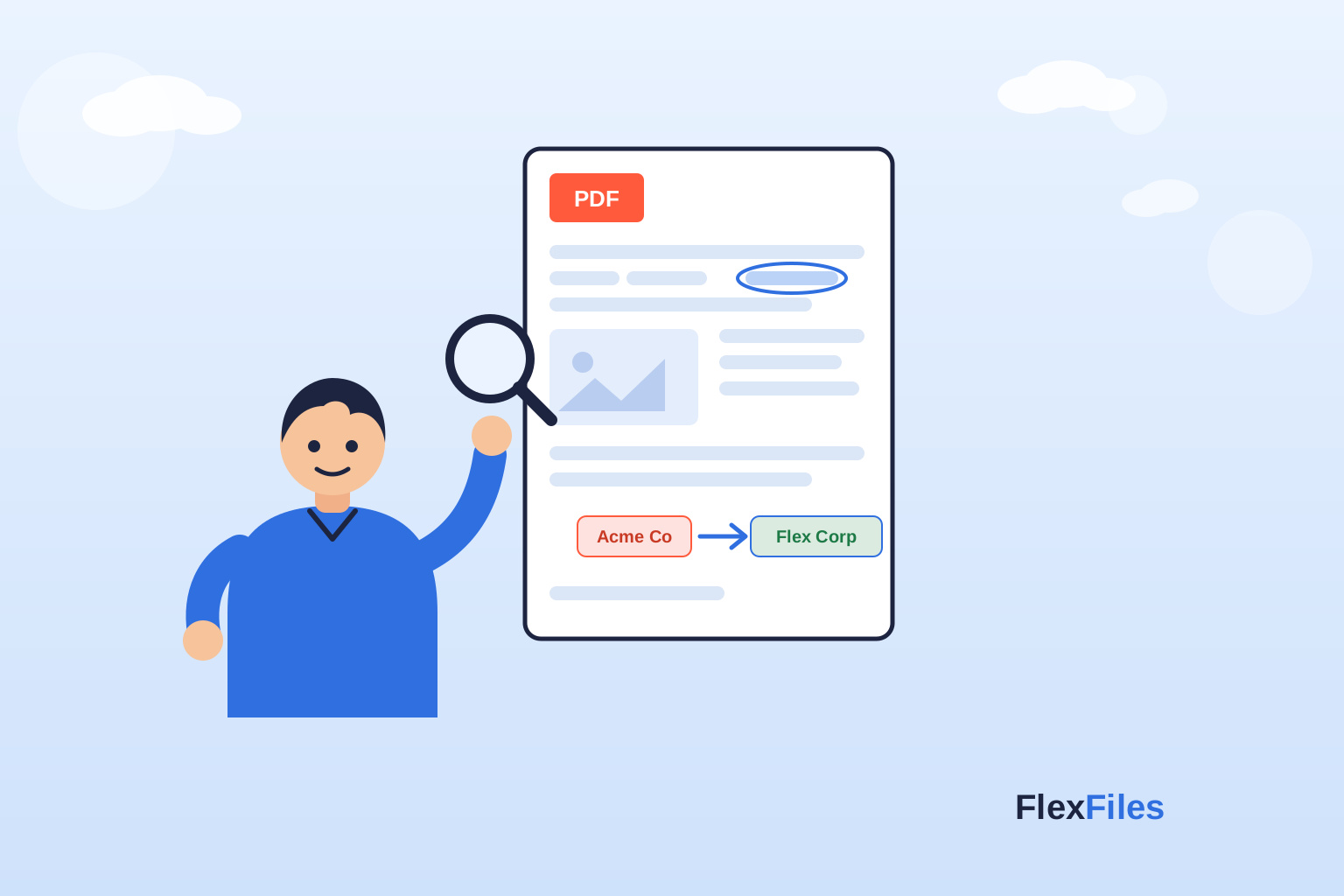
- Adding, editing, or removing text.
- Highlighting, annotating, and sticky notes.
- Inserting images, shapes, and signatures.
- Reordering, adding, or removing pages.
- Merging multiple PDFs into one.
- Exporting as PDF, PNG, or JPEG.
What Paid Software Adds
- Advanced redaction workflows — for documents with heavy compliance requirements.
- Deep batch automation — scripting the same edit across hundreds of files.
- Enterprise admin controls — team licensing, audit logs, centralized management.
Which One Actually Fits Your Use
- Choose free if you edit PDFs occasionally, want to skip an account, or need something that works the same on any device.
- Choose paid if you're editing daily at a professional scale, or your organization has specific compliance requirements a browser tool won't meet.
Conclusion
Most individual and small-team PDF editing never touches the features that justify a subscription. FlexFiles covers what actually gets used, without the recurring cost.