An edit that looks fine at first glance can reveal a shifted margin or a blurred font the moment someone actually reads the page closely.
FlexFiles PDF Editor is built to avoid that — text stays sharp, layout stays intact, and nothing leaves your browser to get there.
Most layout problems come from adding content without checking what's around it — a text box placed slightly off, an image inserted at the wrong scale. Previewing before you export catches these before anyone else sees them.
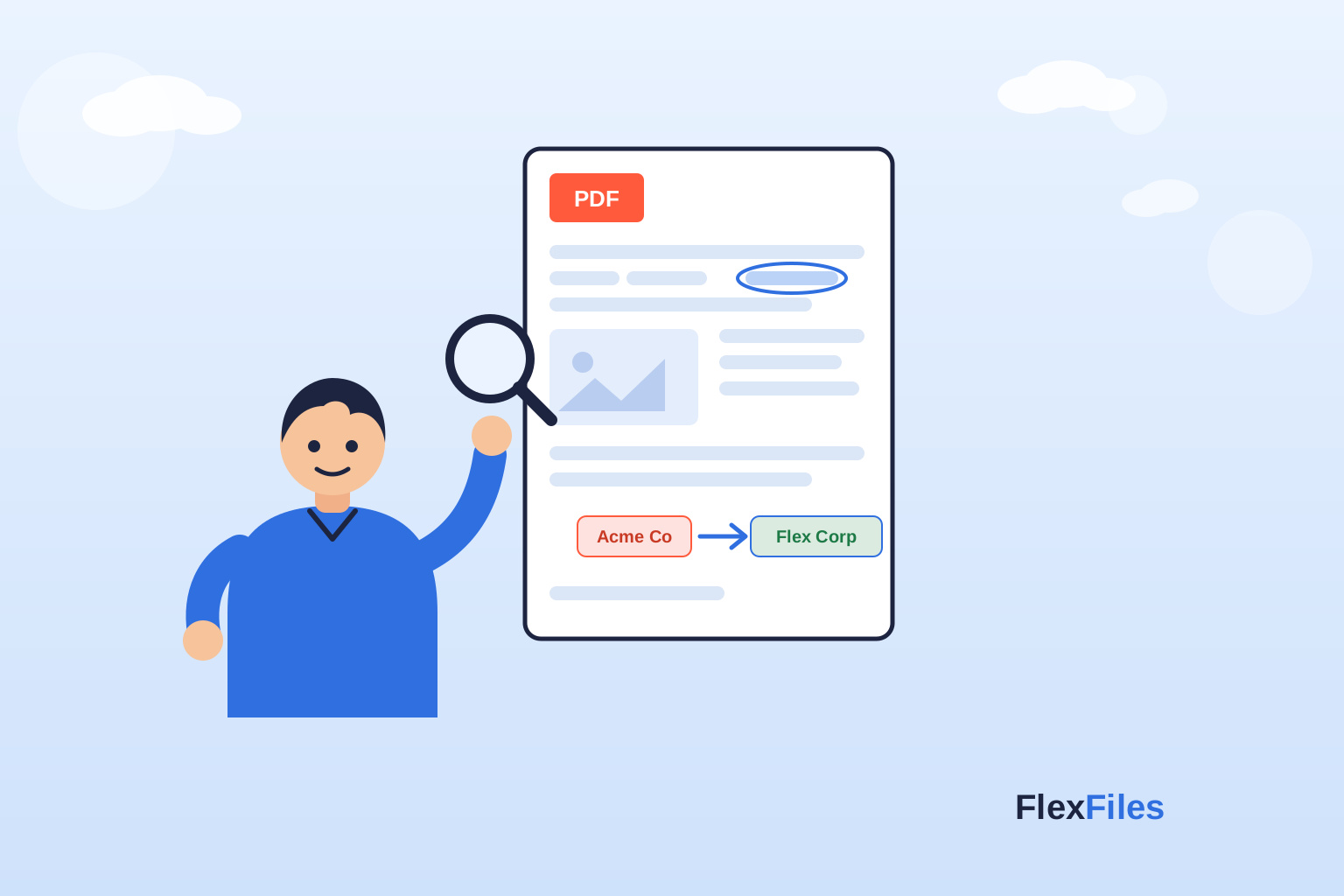
Editing existing text in place — rather than covering it with a new text box — is what keeps a document's typography consistent. FlexFiles detects the original text and lets you edit it directly, so the font and spacing don't have to be matched manually.
Processing happens in your browser rather than on a server, which means there's no round-trip delay and no copy of your file sitting somewhere else while you work.
Good PDF editing is invisible — the reader shouldn't be able to tell where the edit happened. FlexFiles keeps layout and text intact so that's the result you get by default.