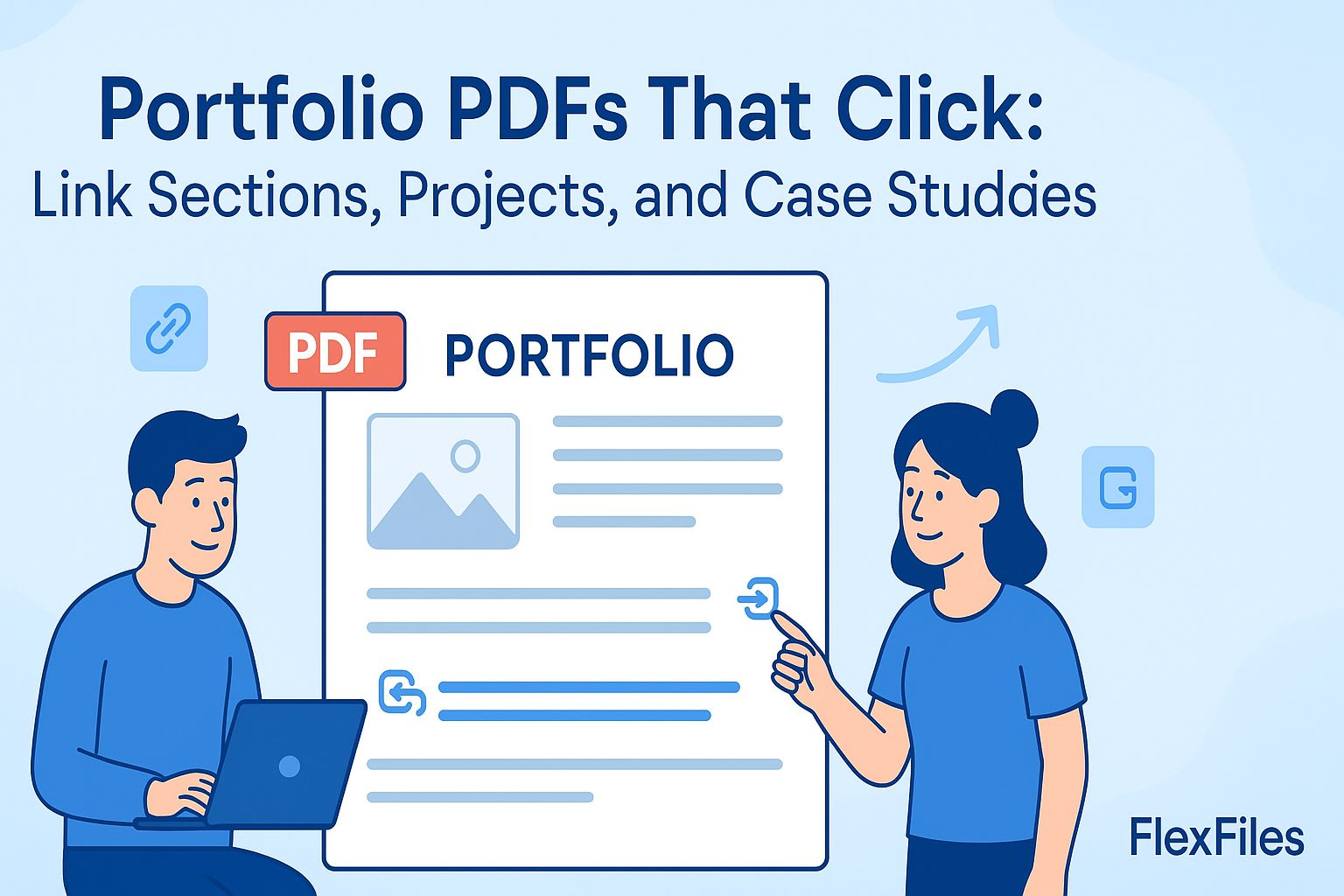
A recruiter or client skimming a portfolio doesn't scroll page by page — they click to whatever proves your point fastest. A static PDF makes that harder than it needs to be.
FlexFiles PDF Editor lets you turn headings, thumbnails, and section titles into clickable links, in your browser.
A long PDF without navigation forces a reader to scroll through everything to find the one project that matters to them. Links turn that into a guided path — a table of contents at the front that jumps straight to the right page.
Don't over-link — a few clear paths beat a dozen options on every page. Test every link before sending the file out; a broken link in a portfolio undercuts the polish you're going for.
A portfolio that's easy to navigate gets read further than one that isn't. FlexFiles makes the linking part quick, so the content can do the rest of the work.