Productivity
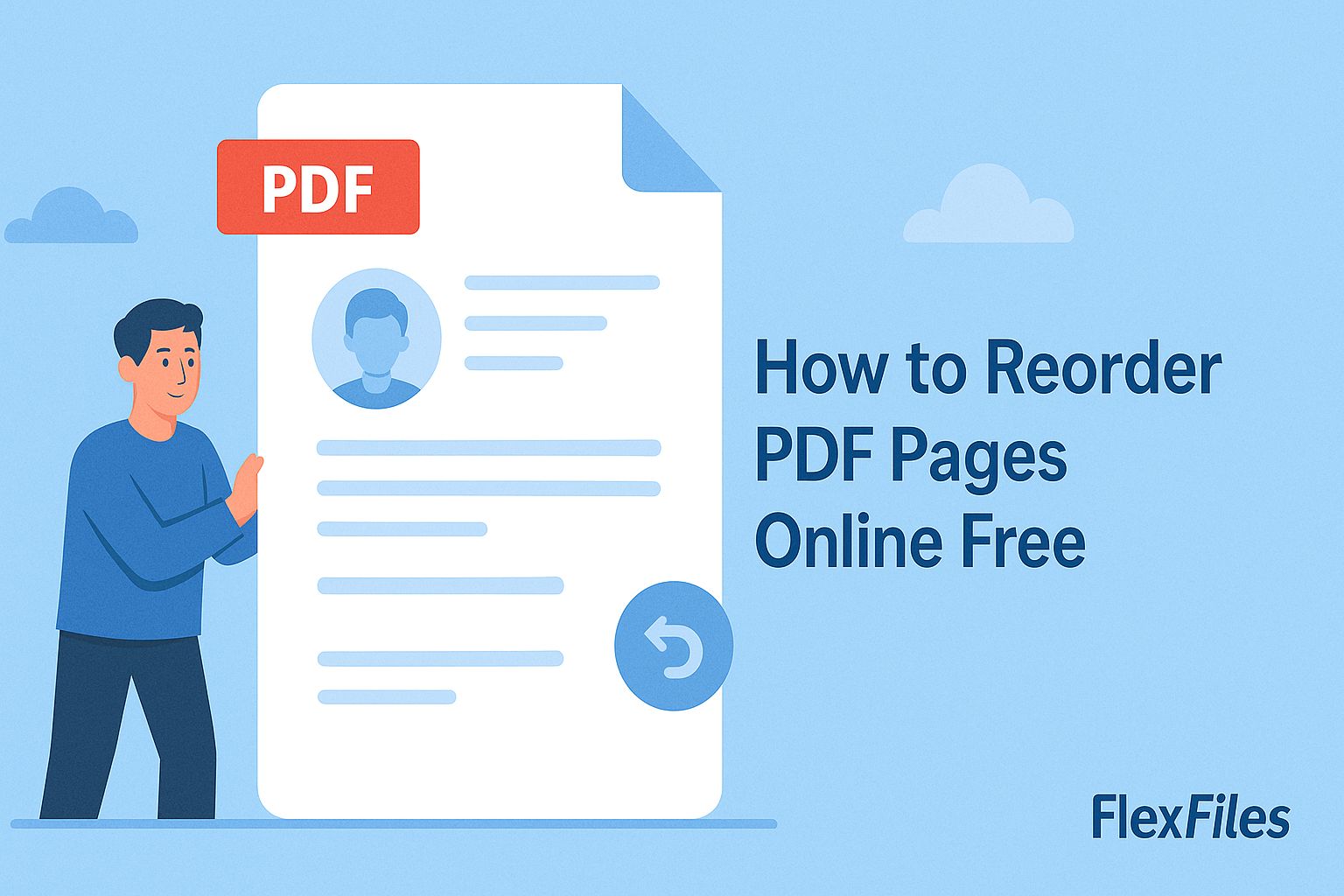
How to Reorder PDF Pages Online Free
Try it yourself
A report with a misplaced chapter, or a deck where the intro ended up after the conclusion — fixing the order shouldn't mean rebuilding the whole file.
FlexFiles PDF Editor reorders pages with drag and drop, directly in your browser.
Where Page Order Goes Wrong
- A report with a chapter out of sequence.
- A presentation where slides got scrambled during export.
- A form where instructions ended up after the signature page.
- An e-book assembled from scanned sections in the wrong order.
How to Reorder Pages
- Upload your PDF.
- Open the page manager to see thumbnails of every page.
- Drag pages into the order you want.
- Add or remove pages while you're there, if needed.
- Export the reorganized file.
Reordering Across Multiple Files
If the pages you need to reorganize live in separate PDFs, merge them first — FlexFiles supports uploading multiple files and combining them into one — then drag pages into the final order across the merged document in the same pass.
Conclusion
A document read in the wrong order reads as unfinished, no matter how good the content is. FlexFiles fixes the order with a drag and a drop, for free.