Productivity
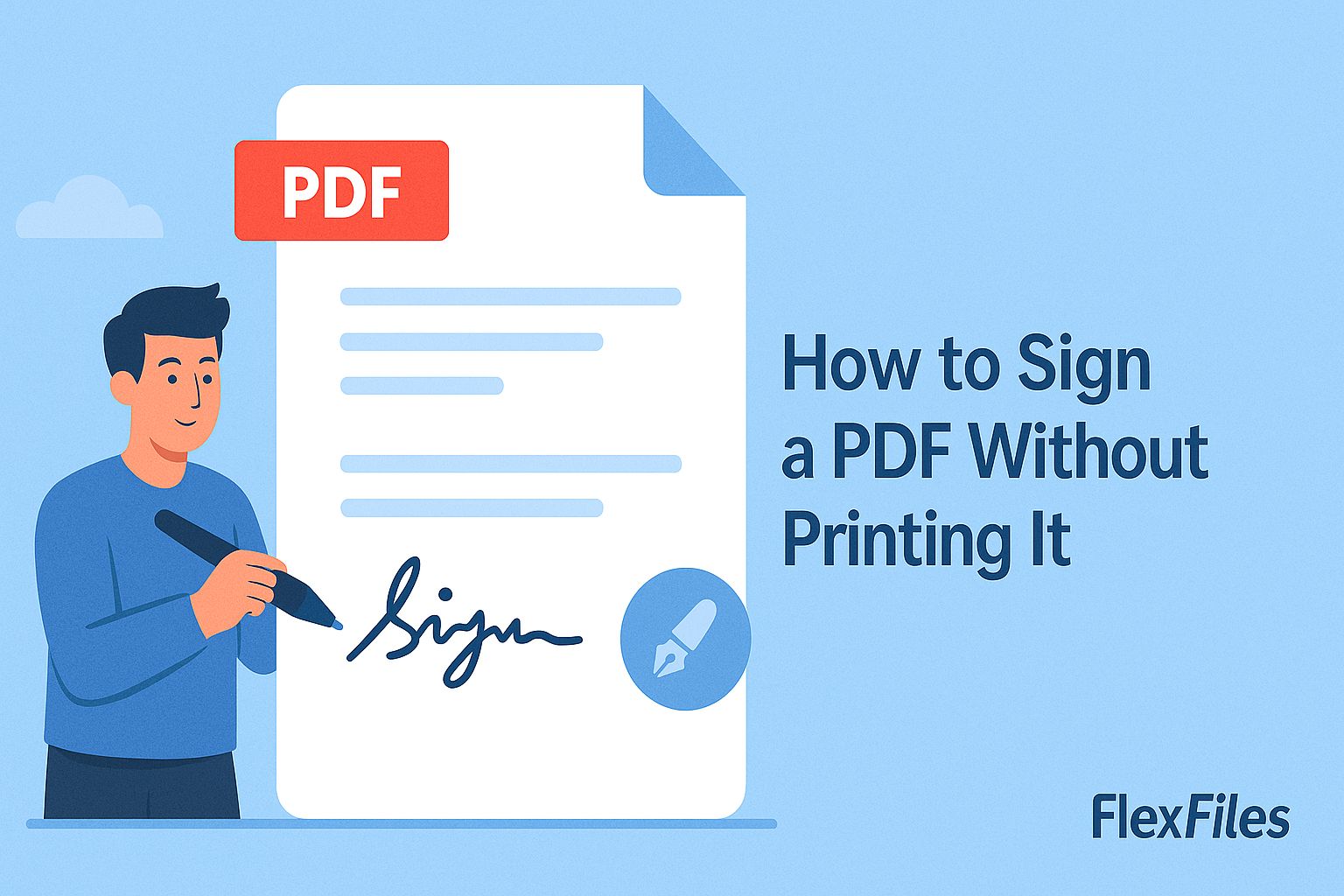
How to Sign a PDF Without Printing It
Try it yourself
Printing a document just to sign it, then scanning it back in, adds three steps to something that should take one.
FlexFiles PDF Editor signs the PDF directly, in your browser, with no printer involved.
Three Ways to Sign
- Draw it — with a mouse, trackpad, or stylus.
- Upload it — a photo or scan of your signature on paper.
- Type it — your name rendered in a signature-style font.
How to Sign a PDF
- Upload the document.
- Select the signature tool and choose draw, upload, or type.
- Create the signature.
- Drag it into place on the signature line.
- Export the signed PDF.
Where This Fits
This works well for everyday documents — forms, agreements, approvals — signed the same way you'd sign anything else digitally. For contracts with strict legal or compliance requirements around signature verification, follow your organization's specific policy.
Conclusion
Signing shouldn't require a printer and a scanner. FlexFiles gets a signature onto the page in under a minute, entirely online.